---
layout: default
title: Homework
nav_exclude: true
---
Session 04 - Asynchronism / Space Again (15 points)
Please complete this session by February 11th. Completing the session should take < 6h.
In this session we are dealing with the topic of asynchronism, where we encounter it in every day life and what it means for us as humans. In terms of tech, this session introduces you to some web-specific JavaScript functionality and syntax, which we will need in the upcoming sessions.
JavaScript Functions & Asynchronism
Task 04.01
Re-cap the sections in the script regarding higher order functions and their different syntax formats. As a beginner you can skip the more advanced sections that we haven’t covered in class:
At the very least make sure that you understand the underlying functionality and that you will be able to work with the syntax when given to you, e.g., from a framework.
If you are more advanced, make sure that your understand Closures, Promises and Async and Await.
Submission: -
Task 04.02 - Coding Practices
Reflect on your usage of resources and Machine Learning tools for coding.
- What have you used and how has it served you?
- Do you actually understand the code an ML tool has given to you (in case you have used any)?
- Would you be able to re-create it without any help?
- What can you recommend?
-
How do you want to proceed?
- Chat GBT
- explaining given code step by step
- explaining basic logical thinking / steps / instructions without giving the code
- syntax problems
- debugging (when I can not figure it out with the browsers console alone)
-
sometimes for “high-effort” work that would be usually need some simple try and errors (-> like replacing the positions of the differnet shapes to responsive relations in my 02-happiness Scene - I understood the principle but finding our the exact values is just a lot of rearranging)
- I think now after three assigments of creative coding I got some practice that I can rebuild basic things by myself or at least with the orientation of my earlier codes
- after a couple of usages recreating on my own gets easier! -> but it feels very important to try to understand, otherwise there will not be a learning process
Recommendations:
- not to ask for final code but asking for an explaination of the approach / starting point / specific problems/syntax
Proceed:
- I would like to copy as less as possible from ML
- look more into example files / online shared code instead
Three.js
Task 04.03 - Your Own Scene
Create a Three.js scene up to your liking. There are no constraints for what the scene should be. The result should be polished and will be graded on concept, form / design and implementation quality.
You are required to use additional functionality that you haven’t yet used last week. Check the three.js manual or the examples for inspiration.
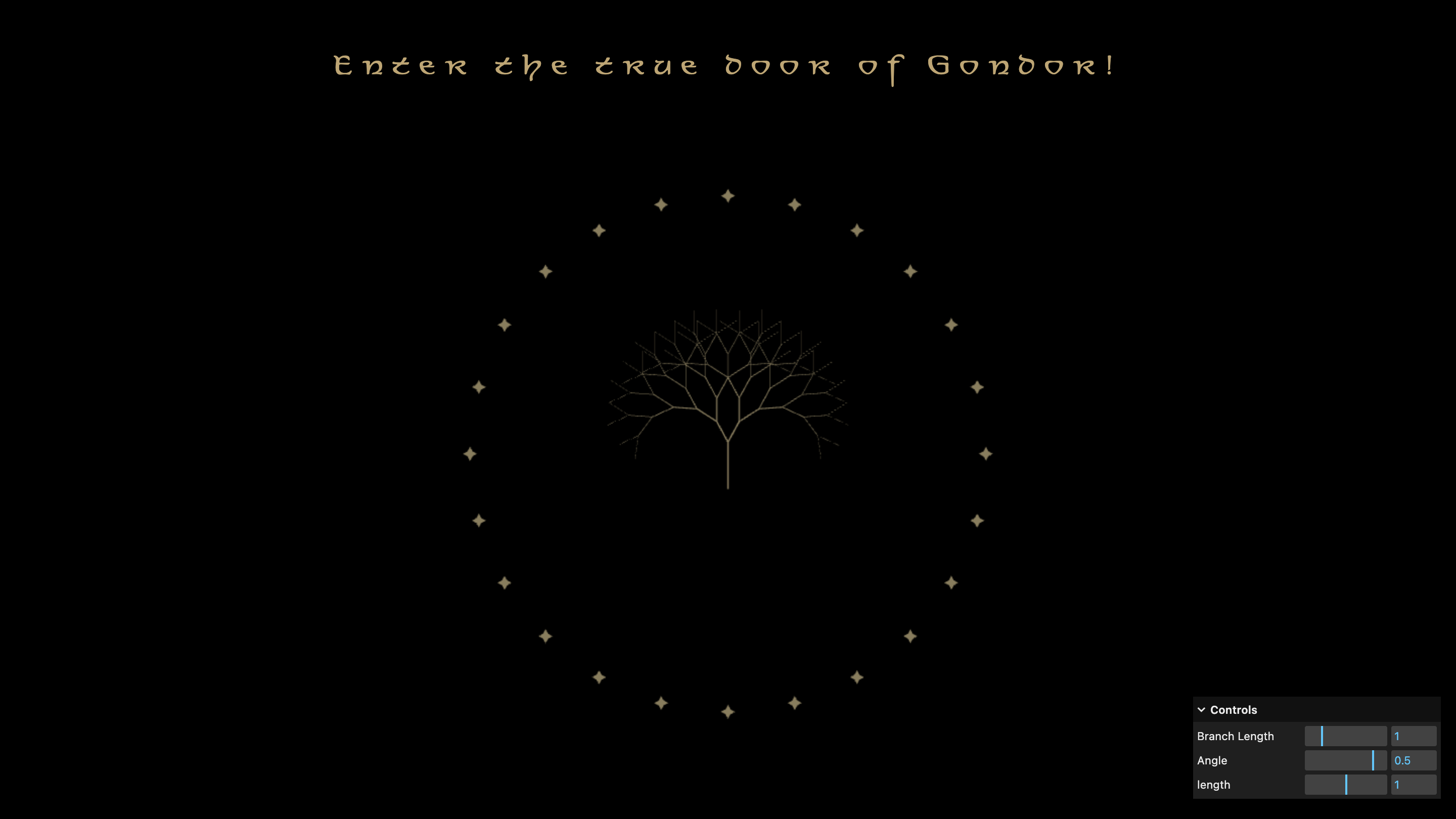
Submission: The door of Gondor
Link to my Git Repository (Folder cc1_ws2526_04_kleinhans)
Learnings
In this lesson I focused on the creation of the recruisive tree and understanding (or at least trying to understand) the maths behind it. Besides this:
- creating instances
- working with click events